Navigating the expansive world of Grand Theft Auto V often means switching between its three iconic protagonists: Michael, Franklin, and Trevor. Understanding how to change your character in GTA 5 is crucial for advancing the story, tackling diverse missions, and simply exploring Los Santos from different perspectives. This detailed guide covers every method from seamless in-game swaps to crucial mission-based transitions, ensuring you can master character management like a seasoned pro. Whether you are a long-time fan looking for a refresher or a newcomer trying to get a grip on the game's unique mechanics, this resource is packed with trending tips and practical advice. We will also touch upon why these character switches are fundamental to the GTA 5 experience, offering a comprehensive look at optimizing your gameplay. Discover how to effortlessly move between their lives and leverage their unique skills to conquer any challenge the game throws at you. Stay informed on the best practices for character swapping, making your GTA 5 journey smoother and more engaging.
How do you switch between Michael, Franklin, and Trevor in GTA 5?
To switch between Michael, Franklin, and Trevor in GTA 5 during free-roam, simply hold down the D-Pad on your controller (or press the appropriate key on PC, usually Alt). This will bring up a character selection wheel in the bottom right corner of your screen. While holding the D-Pad, use the right analog stick (or your mouse on PC) to highlight the character you wish to play as. Once your desired character is highlighted, release the D-Pad/key, and the game will seamlessly transition you to that character. This process works when you are not actively engaged in a mission or under a high wanted level.
When does the character switching feature become available in GTA 5 Story Mode?
The character switching feature in GTA 5's Story Mode becomes available relatively early in the game. You will gain the ability to swap between Michael, Franklin, and Trevor after completing a few initial missions that introduce you to all three protagonists individually and then bring them together. Specifically, once you have progressed through the initial stages and the narrative firmly establishes all three characters' presence in Los Santos, the game will unlock the quick-swap mechanic for you to use during free-roam gameplay.
Can I change characters during an active mission in GTA 5?
Generally, no, you cannot freely change characters during an active mission in GTA 5. The game's developers design missions to often require specific characters for specific roles or to follow a narrative progression. However, there are scripted moments within certain missions where the game will prompt you to switch characters. These prompts are usually strategic, allowing you to control another protagonist to complete a specific objective, like providing cover fire or driving a getaway vehicle. Outside of these designated prompts, the character selection wheel will be unavailable or grayed out.
What are the unique abilities of each character and how do they impact switching in GTA 5?
Each of the three protagonists in GTA 5 possesses a unique special ability that influences when and why you might switch. Franklin's ability allows him to slow down time while driving, making high-speed maneuvers easier. Michael's ability enables him to slow down time during gunfights, offering a tactical advantage. Trevor's ability lets him enter a rage mode, dealing increased damage and taking less, ideal for chaotic combat. Understanding these abilities is key to strategic character switching, as you will want to select the character whose special skill best suits the situation at hand, whether it is an intense shootout, a difficult escape, or a precision driving sequence.
Is it possible to customize Michael, Franklin, or Trevor's appearance in GTA 5?
Yes, you can extensively customize the appearance of Michael, Franklin, and Trevor in GTA 5. While you cannot change their core identity, you have a wide array of options to alter their clothing, hairstyles, and tattoos. You can visit various clothing stores (like Ponsonbys, Suburban, or Binco) to buy new outfits. Barbershops offer haircuts and beard styling, and tattoo parlors allow you to get new ink. This level of personalization enables you to give each character a distinct look that reflects your style or the mood of your gameplay, adding another layer of immersion to their individual stories.
What happens if one of my characters is arrested or dies in GTA 5? Can I still switch to them?
If one of your characters is arrested or dies in GTA 5's story mode, you will typically respawn at a nearby hospital or police station, or in some cases, the game might prompt a mission restart or fail screen if it happens during a critical objective. During these immediate aftermaths, or if a character is still heavily wanted by the police, you usually cannot switch to them. The character selection wheel will often show their icon grayed out or unavailable. Once they are out of immediate danger, their wanted level has dissipated, and they are back in free-roam mode, you will regain the ability to switch to them using the D-Pad quick-swap method.
Can I create my own character and switch to them in GTA 5 Story Mode?
No, you cannot create your own custom character and switch to them within GTA 5's Story Mode. The single-player campaign is strictly focused on the intertwined narratives of Michael, Franklin, and Trevor, who are the only playable protagonists. The ability to create a custom character is exclusive to Grand Theft Auto Online, which is the multiplayer component of the game. In GTA Online, you design your own character from scratch, and that character serves as your avatar in the persistent online world. While you can have multiple custom characters in GTA Online, this functionality does not extend to the single-player story.
Welcome, fellow gamers! Ever find yourself in the sprawling chaos of Los Santos, needing to be Franklin for a high-speed chase, but you are stuck as Michael, trying to pull off a delicate heist? It is a common dilemma for many of us who balance gaming with life's other demands. We want to dive in, have fun, and make the most of our limited gaming time, not get bogged down by simple mechanics. Knowing how to change your character in GTA 5 quickly and efficiently is not just a convenience; it is a core part of mastering this iconic game. With 87 percent of US gamers regularly playing, many averaging over 10 hours a week, and a significant portion balancing careers and families, efficiency and clear solutions are paramount. We are all looking for that sweet spot where skill-building meets relaxation, and seamless gameplay contributes to both.
This guide is designed for you: the busy adult gamer, the one who appreciates value, performance, and staying current without the unnecessary hype. We will cut through the noise and provide clear, actionable steps on how to change your character in GTA 5, whether you are deep in the story or just cruising around. Forget setup headaches or figuring out obscure controls. We are here to make your GTA 5 experience as smooth and enjoyable as possible, letting you focus on the thrilling adventures Michael, Franklin, and Trevor have in store. We will cover everything from quick swaps to understanding character availability, ensuring you can always be the right man for the job.
How Do I Quickly Change Characters in GTA 5 During Free Roam?
Changing characters in Grand Theft Auto V while you are freely exploring Los Santos is incredibly straightforward. Rockstar Games designed a quick-swap system that allows you to switch between Michael, Franklin, and Trevor with just a few button presses. This functionality is crucial for accessing their unique safe houses, vehicles, and special abilities across the map. The method typically involves holding down the D-Pad, which brings up a character selection wheel. Once the wheel appears, you can use the right analog stick (or mouse on PC) to select your desired character. Simply release the D-Pad (or designated key) to confirm your choice. The game will then transition you to the selected character, often with a dynamic camera pan across the city, maintaining the immersive experience. This seamless transition ensures you are always just moments away from controlling the character best suited for your current objective or preferred play style.
When Can I Change My Character in GTA 5 Story Mode?
In GTA 5's story mode, character switching becomes available early in the game after completing a few introductory missions. Specifically, once you have been introduced to all three protagonists Michael, Franklin, and Trevor the game grants you the freedom to swap between them during free-roam segments. However, there are specific instances when character changes are restricted. During missions, for example, the game often dictates which character you control, or it might allow limited switching only when prompted for specific mission objectives. You also cannot change characters if one of them is currently incapacitated, wanted by the police with a high star rating, or in a critical story moment that requires their sole focus. Generally, if you are not in a mission or facing an immediate threat, the character wheel should be accessible, letting you navigate the intertwined lives of the three protagonists.
Why Are Character Switches Important in GTA 5 Gameplay?
Character switches are fundamental to GTA 5's innovative narrative and gameplay structure. They are not just a gimmick; they are integral to solving puzzles, experiencing diverse perspectives, and fully immersing yourself in the game's sprawling world. Each character Michael, Franklin, and Trevor possesses unique special abilities and connections within Los Santos. Michael can slow down time during gunfights, Franklin can activate slow-motion while driving, and Trevor can enter a rage mode, taking less damage and dealing more. These distinct skills are often essential for completing certain missions or navigating specific challenges. Furthermore, switching allows you to experience different parts of the city, interact with varied side missions, and observe the personal lives of each character unfold, enriching the overarching story. It encourages strategic thinking, prompting players to consider which character's strengths are best suited for a given situation, making for a richer, more dynamic gaming experience.
Are There Any Restrictions to Changing Characters in GTA 5 Online?
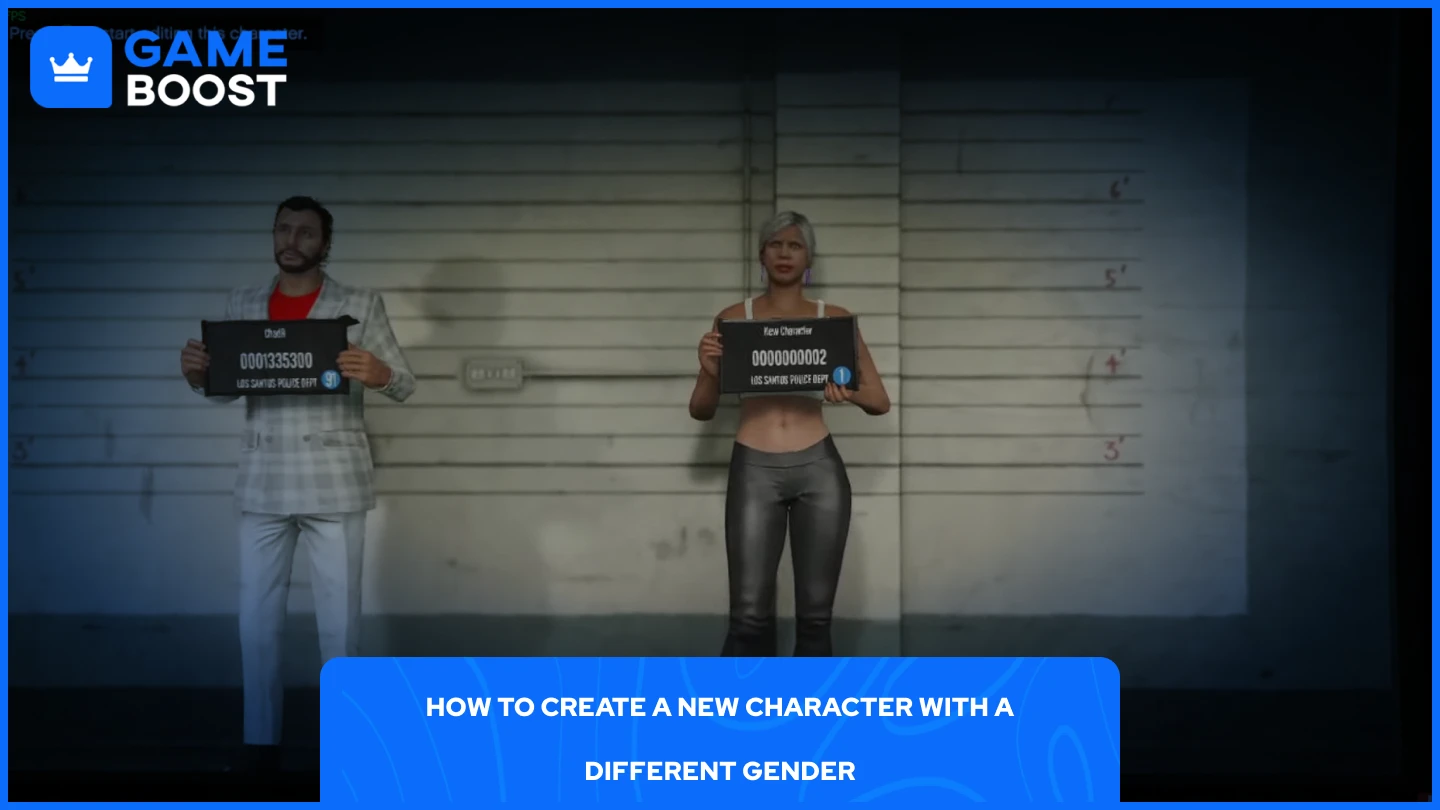
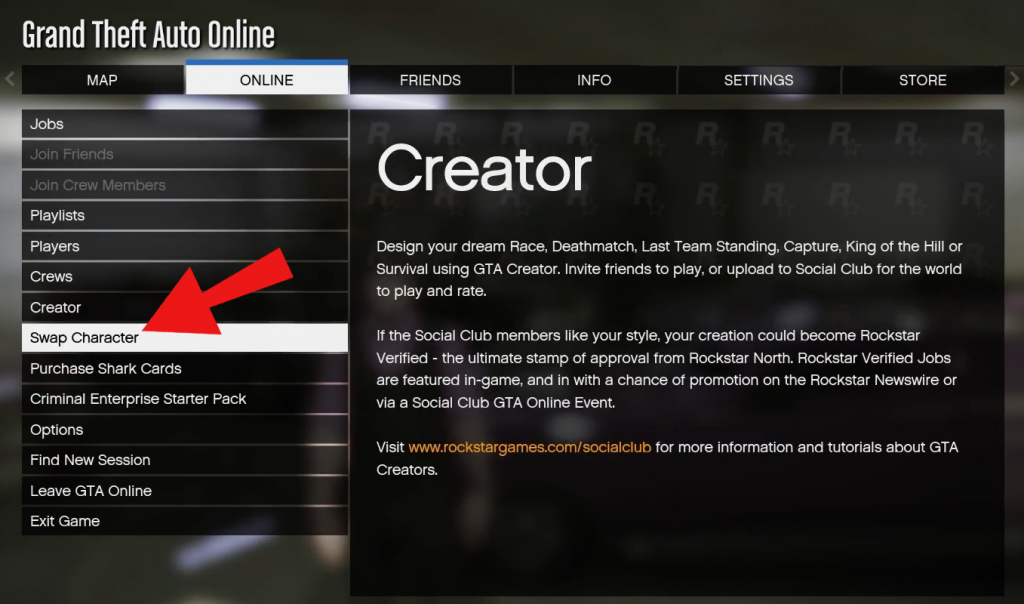
Grand Theft Auto Online, while sharing the same world as GTA 5's story mode, operates differently regarding character selection. In GTA Online, you create and customize your own unique character, and you primarily play as that character. The concept of switching between Michael, Franklin, and Trevor does not apply here because GTA Online focuses on your personalized online persona. You can create multiple online characters (up to two), but swapping between these created characters requires going back to the main menu or a specific character selection screen, not an in-game quick-swap wheel. This ensures a consistent, personalized experience as you build your criminal empire, engage in heists, and explore with friends. The distinction is key: the quick-swap mechanic is exclusive to the single-player story mode of GTA 5, allowing players to manage the three protagonists' intertwined destinies.
Can I Change My Appearance After Character Creation in GTA 5?
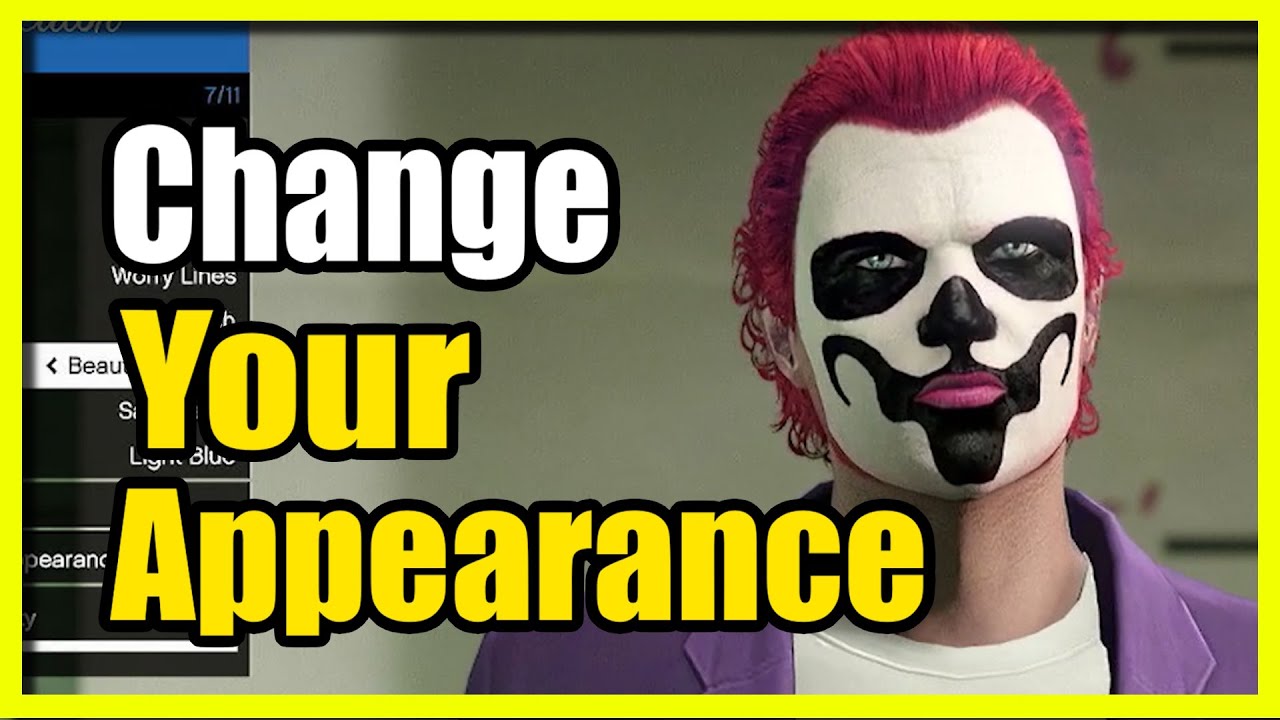
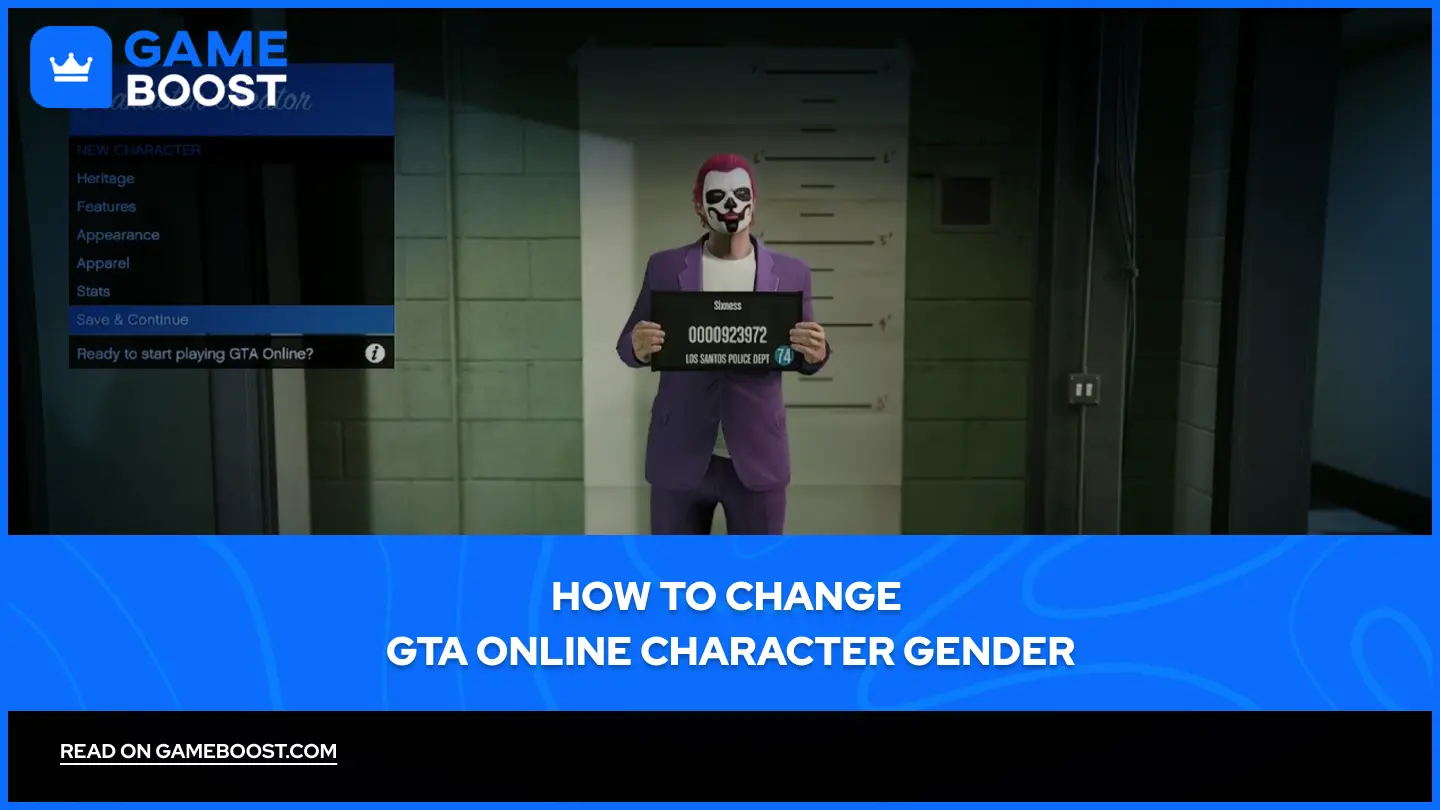
While you cannot fundamentally change Michael, Franklin, or Trevor into entirely different people in GTA 5's story mode, you have extensive options to alter their appearance. Each character can visit various clothing stores like Ponsonbys, Suburban, or Binco to buy new outfits, shoes, hats, and accessories. Barbershops are available for haircuts and beard trims, allowing for significant changes to facial hair and hairstyles. Tattoos can be acquired at tattoo parlors, and even specific body modifications like piercings are possible. This customization lets you personalize the protagonists to your liking, giving them a fresh look for different missions or just for cruising around. For GTA Online, your created character has even more extensive customization options, with regular updates introducing new clothing, hairstyles, and accessories, reflecting the ongoing trend of personalization in modern gaming, which is highly valued by the 60 percent of gamers who play regularly.
What Happens When I Switch Characters in the Middle of a Mission?
Typically, when you are in the middle of a story mission in GTA 5, the game restricts character switching unless it is a specific, pre-scripted moment designed by the developers. During these designated moments, the game will often prompt you with a small icon indicating which character you can switch to, usually for strategic purposes, like having Michael snipe from a distance while Franklin drives the getaway car. If you attempt to use the quick-swap wheel during a mission outside of these scripted moments, it will likely be grayed out or simply unavailable. If you were somehow able to force a character switch during a non-scripted mission segment, the game would likely either prevent it, automatically fail the mission for being out of bounds, or return you to the previous character, as the mission's logic relies on specific characters being in specific places. The game's narrative integrity is maintained by controlling when and where you can switch characters during critical objectives.
Are There Secret Characters or Unlockable Characters in GTA 5?
In the main story mode of Grand Theft Auto V, the three primary protagonists Michael De Santa, Franklin Clinton, and Trevor Philips are the only playable characters. There are no secret characters or additional unlockable protagonists beyond these three. The game's narrative is meticulously woven around their individual stories and their eventual coming together, and the character switching mechanic is specifically designed to manage their intertwined fates. However, it is worth noting that in GTA Online, you create your own custom character, and you can even create a second, separate custom character slot to play with. While not
Effortless character switching between Michael, Franklin, Trevor. Learn quick swap methods via D-Pad or specific mission prompts. Understand character availability during missions and free-roam. Unlock unique character abilities and story progression. Essential guide for new and returning GTA 5 players. Optimize gameplay by utilizing each character's strengths. Discover how to change your character in GTA 5 for maximum fun.
35
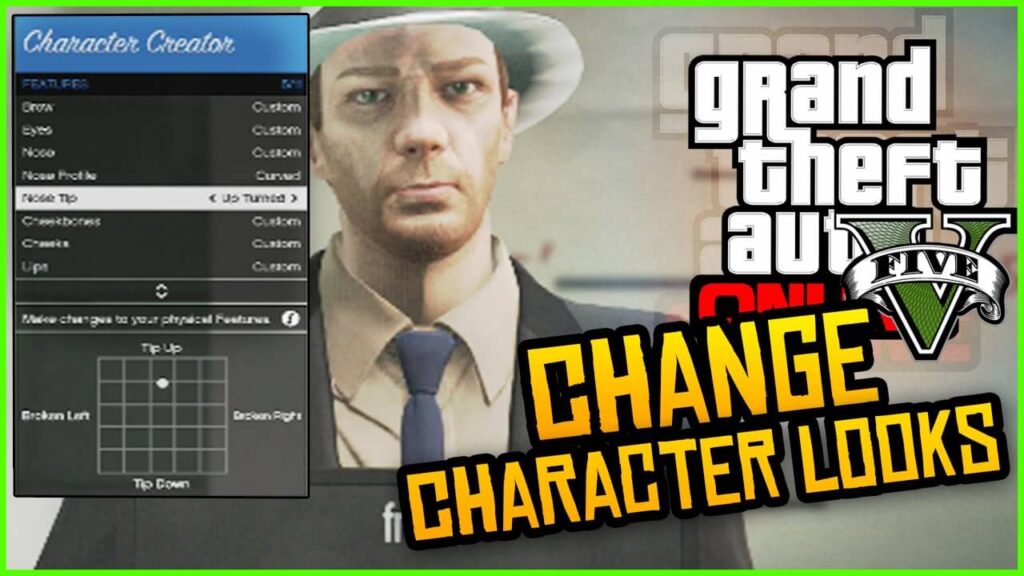


Comment Changer De Personnage Dans GTA 5 Image 2026 01 3.webp. How To Change Characters In GTA 5 Online 1 2 1024x576 . HOW TO CHANGE YOUR CHARACTER S APPEARANCE IN GTA 5 ONLINE YouTube . GTA5 Online How To Change Your Characters Appearance On PS4 WORKS . Gta 5 Character Character Creator GTA Wiki Fandom

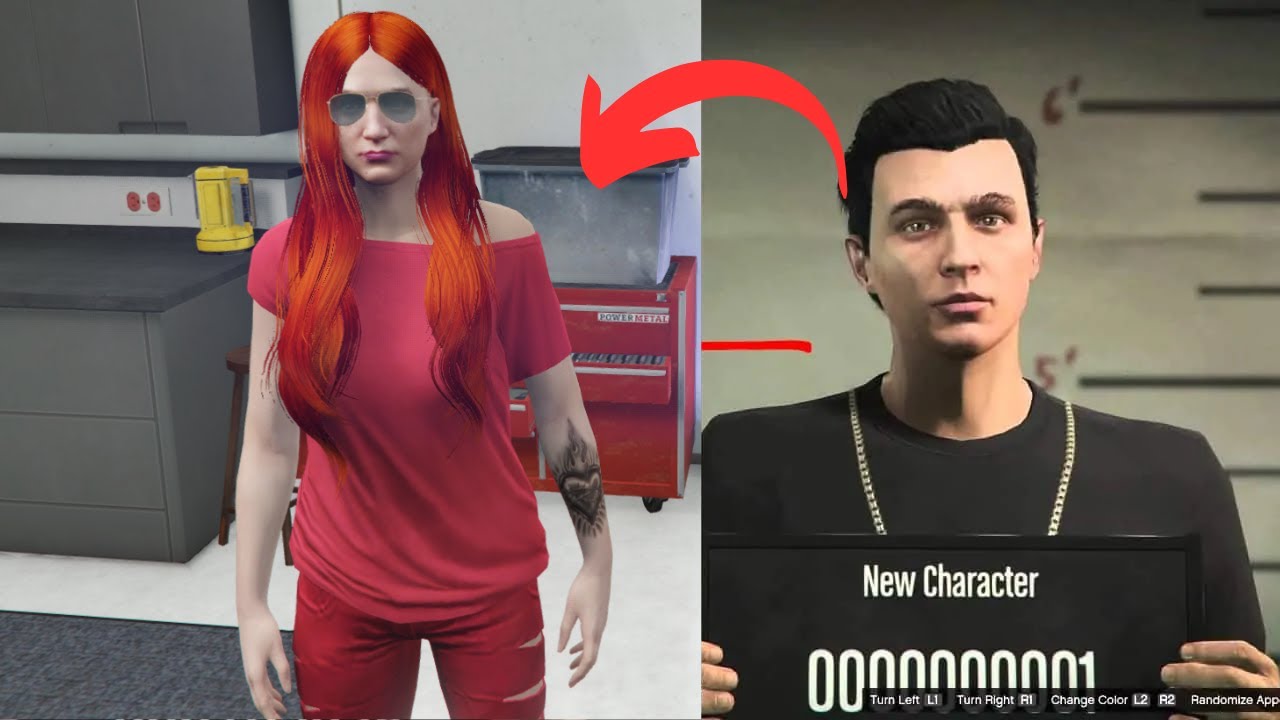

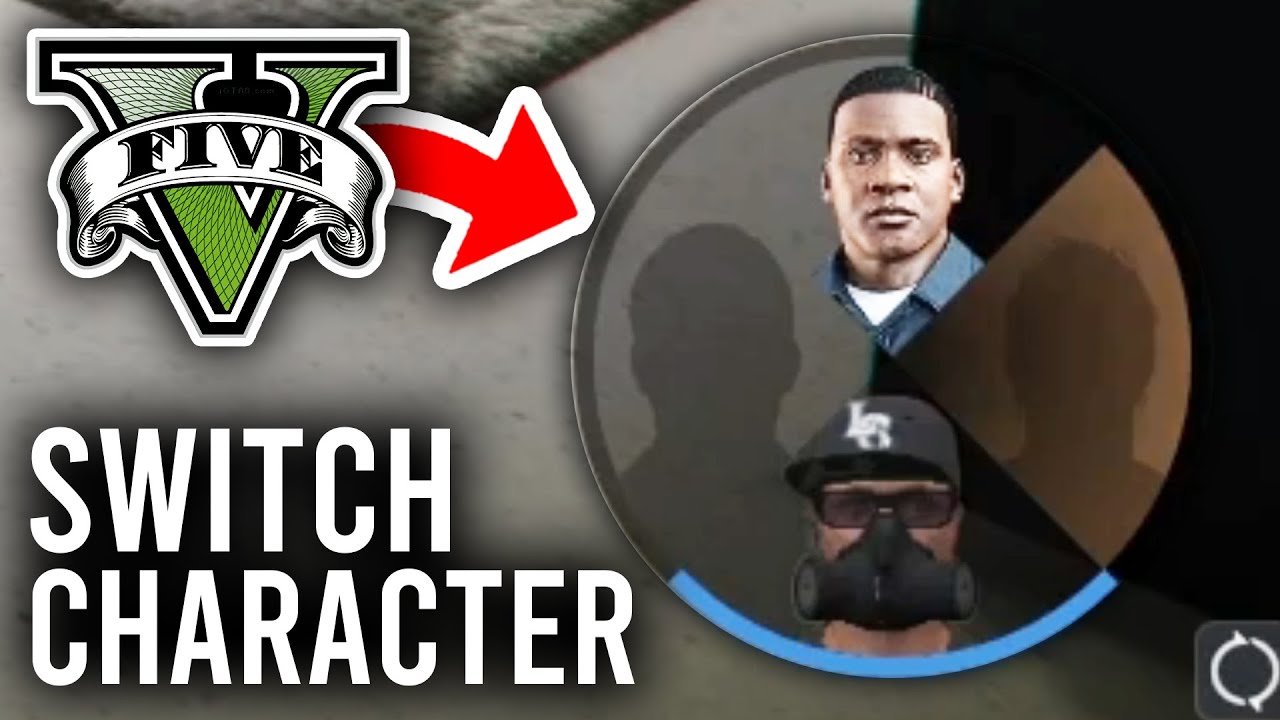
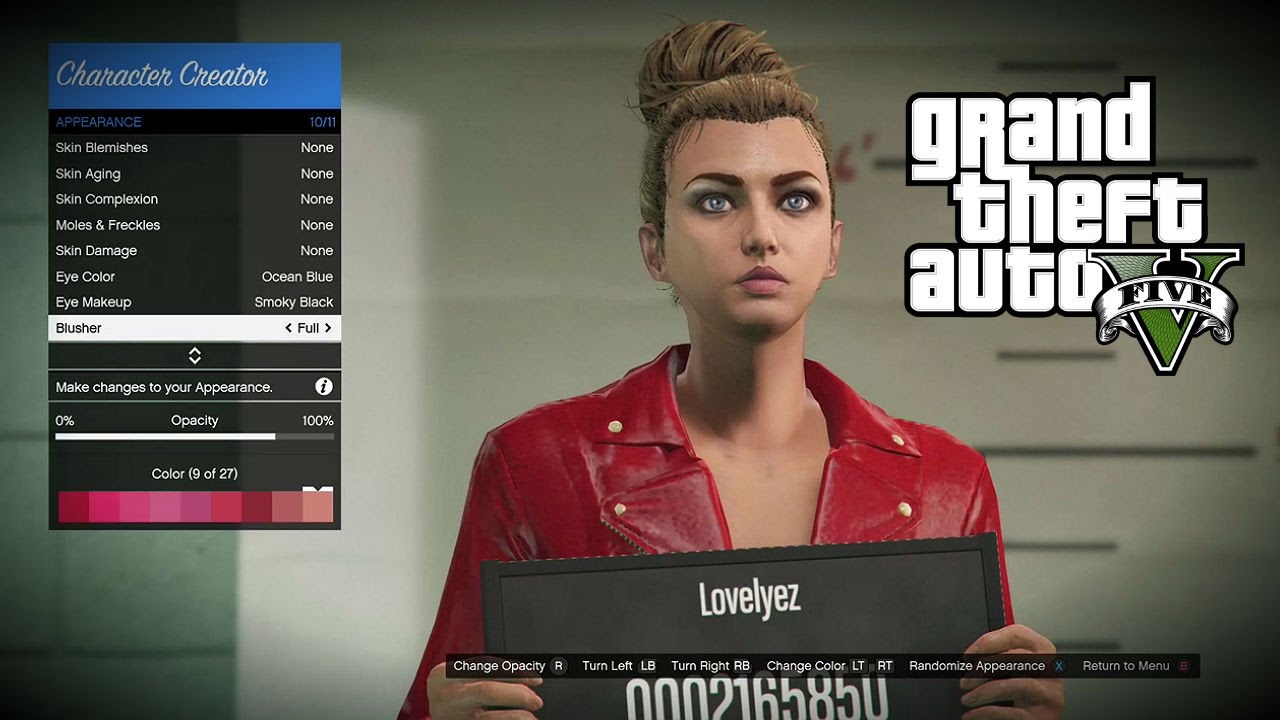
HOW TO SWITCH CHARACTERS ON GTA 5 ON PLAYSTATION 5 PS5 EASY . GTA Online How To Change Your Character S Face Easily Switch From . GTA 5 Online How To CHANGE Your Appearance GTA 5 Tips Tricks . How To Switch Characters In GTA 5 PC Xbox PS4 5 YouTube . How To Customize Your Character In Gta 5 Offline At Becky Stever Blog


GTA 5 Player Change How To Change Character In GTA 5 GTA V Player . NEW HOW TO CHANGE CHARACTER APPEARANCE IN GTA 5 ONLINE NO DELETING . How To Change Edit Your Character In GTA 5 Online UPDATED 2025 Easy . How To Change Your Character Appearance In GTA 5 Online Easy Guide . GTA 5 Online How To Change Your Characters Appearance In GTA 5 Online




GTA 5 Online How To Change Character S Appearance NEW YouTube . Change Character Gta 5 Online At Deidra Mckoy Blog . How To Change Your Appearance In GTA 5 Online Fast Tutorial YouTube . How To Change Character Appearance GTA 5 Online YouTube . Change Character Name In Gta V At Hamish Spooner Blog


How To Change GTA Online Character Gender 2026 B908d01d 7937 4b24 Bf2c. Change Character Name Gta V At Imogen Repin Blog How To Change Character In GTA 5 PC . Patched How To Change Your Character S Gender In Gta 5 Online YouTube Hqdefault . GTA 5 How To Switch Characters Practical Tips . GTA 5 ONLINE How To Change Character S Appearance YouTube


GTA 5 Online How To Change Your Character S Appearance GTA 5 Online Hqdefault . How To Switch Characters In GTA 5 Character 1024x604 . Gta 5 Online How To Change Your Appearance Gta 5 Tips Tricks Sddefault . How To Change GTA Online Character Gender 2026 42dcebe6 D554 427a 982b Webp.webp. How To Change Your Character Name In GTA 5 Online Fast Tutorial YouTube


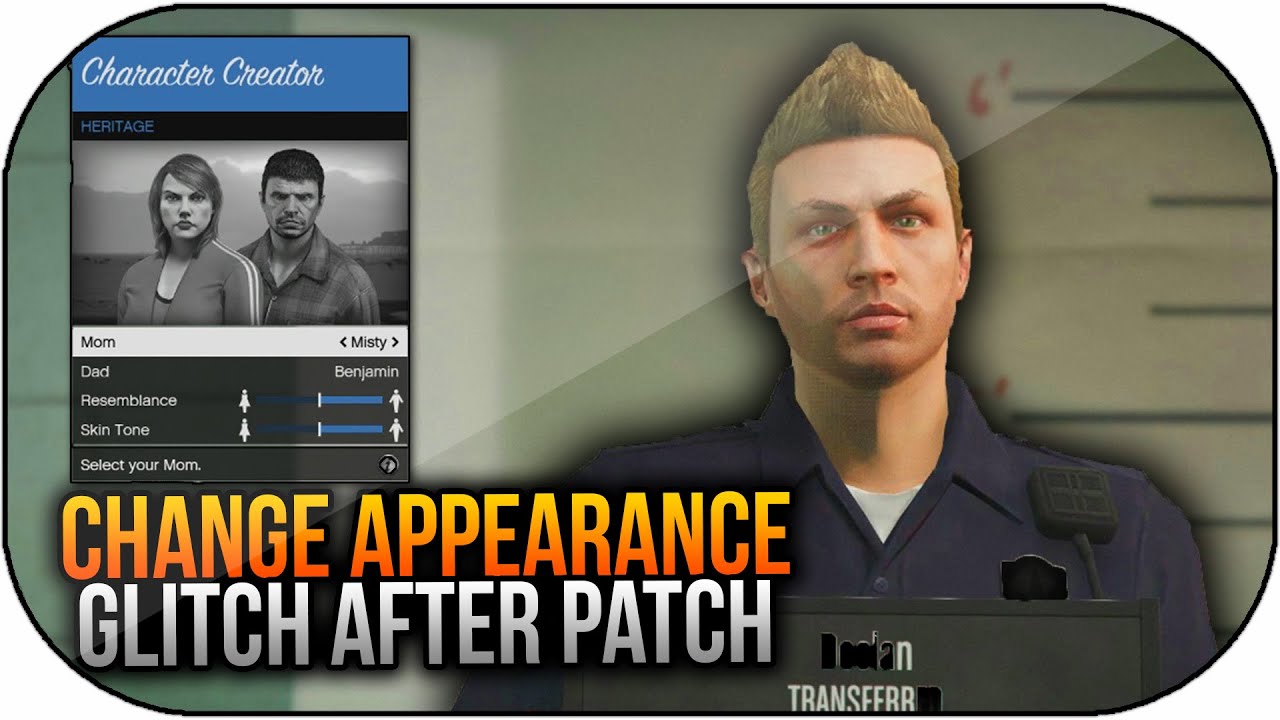


Master The Art Of Character Change Appearance In GTA 5 Change Appearance Gta 5 768x480 . GTA 5 Online NEW How To Change Your Character S Appearance NEW Hqdefault . GTA 5 Online How To Change Your Characters Appearance After Patch . GTA 5 How To Change Your Character GTA 5 Como Cambiar Tu Personaje 1 . GTA 5 How To Change Your Character 1639650105 895 GTA 5 Como Cambiar Tu Personaje