Choosing the best RAM for PC gaming in 2026 is more crucial than ever for an optimized experience. Modern games demand significant memory resources for smooth gameplay, fast loading times, and seamless multitasking. This guide explores how the right RAM directly impacts your frame rates, system responsiveness, and overall enjoyment, addressing common pain points like stuttering or slow application launches. We delve into current trends, including the dominance of DDR5 technology, optimal capacities like 32GB, and the delicate balance between speed and latency. Whether you are building a new rig or upgrading an existing one, understanding RAM specifications can save you money and significantly enhance your gaming sessions. We will navigate compatibility issues, explain key terminology, and provide actionable advice to help you make an informed decision without the typical industry hype. Get ready to unlock your PC's full gaming potential and truly immerse yourself in your favorite digital worlds. This resource is designed to be your ultimate companion in selecting the perfect memory modules for your gaming setup, ensuring you stay ahead of the curve.
What is Dual Channel Memory and How Does It Benefit Gaming?
Dual channel memory is a technology that allows your CPU to access two RAM sticks simultaneously, effectively doubling the memory bandwidth compared to a single stick. This significantly enhances gaming performance by enabling the CPU to fetch game data much faster, leading to smoother frame rates, reduced stutters, and quicker loading times. Always install RAM in matched pairs in the correct motherboard slots for optimal dual-channel operation.
Should I Mix RAM Kits from Different Brands?
No, it is generally not recommended to mix RAM kits from different brands, or even different models from the same brand. While it might sometimes work, there is a high risk of compatibility issues, system instability, or the RAM defaulting to slower speeds. For the best performance and reliability in your gaming PC, always use a single matched kit of RAM, ideally purchased together.
How Does RAM Impact Game Loading Times?
RAM significantly impacts game loading times because it acts as a high-speed buffer for data that needs to be accessed quickly. When a game loads, assets like textures, models, and map data are pulled from your slower storage (SSD/HDD) and temporarily stored in RAM. Faster and more capacious RAM allows this transfer and access to happen much more efficiently, resulting in noticeably shorter loading screens and faster in-game transitions.
Is 16GB of RAM Still Enough for Most Games in 2026?
While 16GB of RAM can still run many games in 2026, it is increasingly becoming the bare minimum rather than the optimal choice. For a truly smooth and future-proof gaming experience, especially with demanding AAA titles, heavy multitasking, or background applications like streaming software, 32GB of RAM is strongly recommended to avoid performance bottlenecks and ensure consistent frame rates.
What is XMP and How Do I Enable It for Gaming RAM?
XMP (Extreme Memory Profile for Intel systems, or DOCP for AMD) is a feature in your motherboard's BIOS/UEFI that allows your RAM to run at its advertised speed and timings. Without enabling XMP, your RAM often defaults to slower, standard speeds, leaving performance on the table. To enable it, restart your PC, enter the BIOS (usually by pressing Del or F2), find the XMP/DOCP option (often in overclocking or advanced settings), select the profile, save, and exit.
Can RAM Affect My Streaming Performance While Gaming?
Yes, RAM can significantly affect your streaming performance while gaming. Streaming involves running your game, streaming software (e.g., OBS), chat applications, and potentially a web browser simultaneously. This multitasking demands substantial memory resources. Having ample (e.g., 32GB or more) and fast RAM ensures that all these applications have enough memory to operate smoothly without competing for resources, preventing stutters or drops in stream quality.
When Should I Consider Upgrading My Existing Gaming RAM?
You should consider upgrading your gaming RAM if you frequently experience stutters, long loading times, or system slowdowns, especially during intense gaming or multitasking. If you are currently using 8GB or slower 16GB DDR4, or if you are building a new system with a modern CPU/motherboard that supports DDR5, an upgrade is highly beneficial. Also, if new games you want to play list 32GB as a recommended spec, it is a good time to upgrade.
Are you tired of your favorite games stuttering at crucial moments, or finding yourself waiting forever for levels to load? You are not alone. For many of us who balance a demanding job and family life with our passion for PC gaming, those precious hours spent in virtual worlds are sacred. We seek relaxation, fun, and perhaps a bit of friendly competition, but nothing sours the experience faster than performance hiccups. In 2026, with games becoming more graphically intensive and feature-rich, the role of RAM the unsung hero of your gaming rig has never been more critical. The good news is, upgrading or choosing the best RAM for PC gaming can significantly smooth out those frustrations, delivering the buttery-smooth frame rates and lightning-fast responsiveness you deserve.
This comprehensive guide is built for the everyday gamer people like us who want maximum performance without needing a degree in computer science. We will cut through the technical jargon and marketing hype to provide clear, actionable advice on selecting the ideal memory for your setup. We will tackle common pain points, from ensuring compatibility to understanding crucial specs like speed and latency, all while keeping your budget in mind. With 87% of US gamers regularly diving into their digital hobbies averaging over 10 hours a week and social gaming trends soaring on platforms like Discord you want your system to be a reliable partner, not a bottleneck. Let us empower you to optimize your gaming experience, so you can focus on building skills, connecting with friends, or simply unwinding after a long day.
Why is RAM so Important for PC Gaming?
RAM, or Random Access Memory, is your computer's short-term memory. Unlike your hard drive or SSD, which stores data long-term, RAM holds the active data your CPU needs instant access to. For gaming, this means storing game textures, models, map data, character animations, and all the processes running in the background. Without enough fast RAM, your CPU has to constantly fetch this data from slower storage, causing stutters, long load times, and a generally sluggish experience. Think of it as a super-fast workbench for your CPU if the workbench is too small or too slow, your CPU cannot work efficiently, even if it is a powerhouse processor.
How Much RAM Do I Really Need for Gaming in 2026?
While 16GB of RAM was the sweet spot for many years, in 2026, 32GB of RAM has become the new recommended standard for the best PC gaming experience. Many modern AAA titles, especially open-world games or those with high-resolution textures, can easily utilize more than 16GB. If you are multitasking while gaming streaming, running Discord, browsing the web, or having other applications open 32GB ensures everything runs smoothly without hitting memory limits. For extreme enthusiasts or content creators, 64GB might be considered, but for the vast majority of gamers, 32GB offers the best balance of performance and value.
DDR4 vs. DDR5: Which is Best for Gamers Right Now?
DDR5 is undeniably the future and increasingly the present for gaming RAM. Offering significantly higher speeds, greater bandwidth, and improved power efficiency compared to DDR4, DDR5 unlocks the full potential of newer CPUs and chipsets. Most new gaming motherboards (Intel 12th/13th/14th Gen and AMD AM5 platforms) exclusively support DDR5. While DDR4 systems can still deliver excellent performance on older platforms, if you are building a new high-end gaming PC in 2026, DDR5 is the clear choice for future-proofing and maximizing performance. The price gap has also narrowed significantly, making DDR5 more accessible.
What RAM Speed and Latency Should Gamers Prioritize?
When it comes to gaming RAM, both speed (measured in MHz) and latency (measured in CAS Latency or CL) are crucial. A common misconception is that higher speed always wins. However, lower latency also plays a vital role in how quickly your CPU can access data. For DDR5, aim for speeds of 6000MHz to 6400MHz with a CL of 30 to 32 for an excellent balance. For example, DDR5-6000 CL30 is often considered a great sweet spot. For DDR4, 3200MHz CL16 or 3600MHz CL18 provided optimal performance. Always check your motherboard's Qualified Vendor List (QVL) to ensure compatibility with your chosen speed and latency.
Is RGB RAM Worth It, or Just for Show?
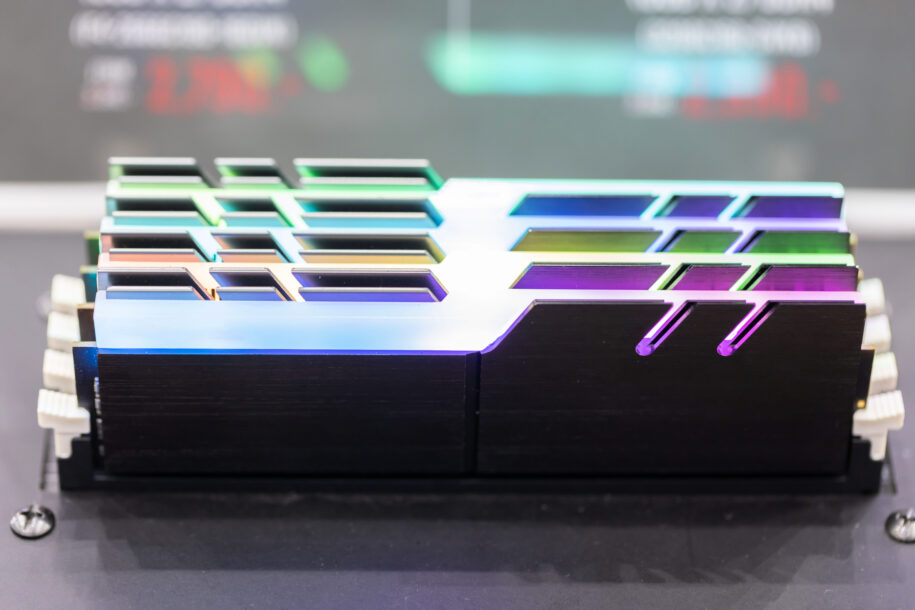
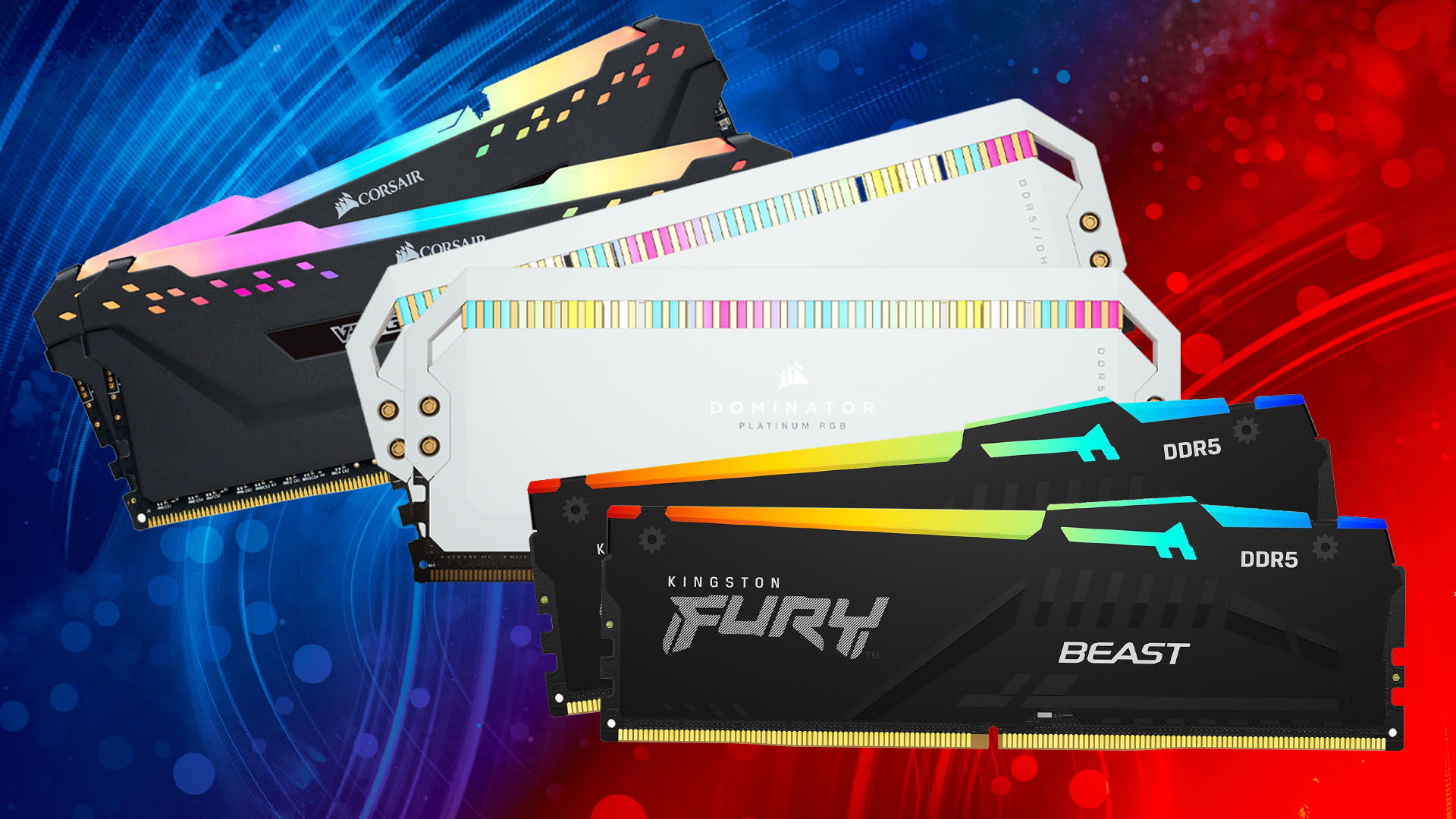
RGB RAM is primarily an aesthetic choice and does not directly impact your PC's gaming performance. For many gamers, especially those who appreciate personalized builds and visual flair, RGB RAM adds a vibrant touch to their setup. It allows for synchronization with other components and can create stunning light shows inside your case. While it might come with a slight price premium, if you value the look of your rig as much as its performance, RGB RAM can certainly enhance the overall gaming experience through visual appeal. Just ensure you are still prioritizing core performance specs like speed and latency over just the lights.
How Do I Choose Compatible RAM for My Gaming PC?
Compatibility is paramount when selecting RAM. First, identify your motherboard's RAM type (DDR4 or DDR5) and maximum supported speed and capacity. This information is typically found in your motherboard's manual or on the manufacturer's website. Next, consider your CPU; Intel and AMD CPUs have specific memory controller limitations and preferences. Always check your motherboard's Qualified Vendor List (QVL) for verified compatible RAM kits. Sticking to dual-channel configurations (e.g., two 16GB sticks instead of one 32GB stick) is also crucial for maximizing bandwidth and performance. Lastly, ensure the physical dimensions of the RAM sticks will fit under your CPU cooler, especially if it is a large air cooler.
Can Upgrading My RAM Boost My FPS Significantly?
Upgrading your RAM can definitely boost your FPS, but the extent of the boost depends on your current setup. If you are currently running on 8GB or even 16GB of slower DDR4 RAM, moving to 32GB of fast DDR5 can yield noticeable improvements, especially in demanding games or when multitasking. If your current RAM is already 32GB of fast DDR4, the jump to DDR5 might offer more incremental gains, but still improve minimum frame rates and overall system fluidity. The biggest gains are seen when RAM was previously a bottleneck; if your GPU or CPU is the primary bottleneck, RAM upgrades will have less impact.
What are the Best Budget-Friendly RAM Options for Gamers?
Finding budget-friendly RAM for gaming means looking for value without sacrificing too much performance. For DDR5, aim for a 32GB (2x16GB) kit around 6000MHz with a CL36 or CL38. Brands like Crucial, Teamgroup, and Patriot often offer competitive pricing with solid performance. Do not be afraid to look for sales or bundles. If you are on a tighter DDR4 budget, a 16GB (2x8GB) kit at 3200MHz CL16 or 3600MHz CL18 from a reputable brand will still provide a great gaming experience for most titles. Remember, buying a kit (two sticks) is always better than buying single sticks for dual-channel performance.
Tips for Installing and Optimizing Your Gaming RAM.
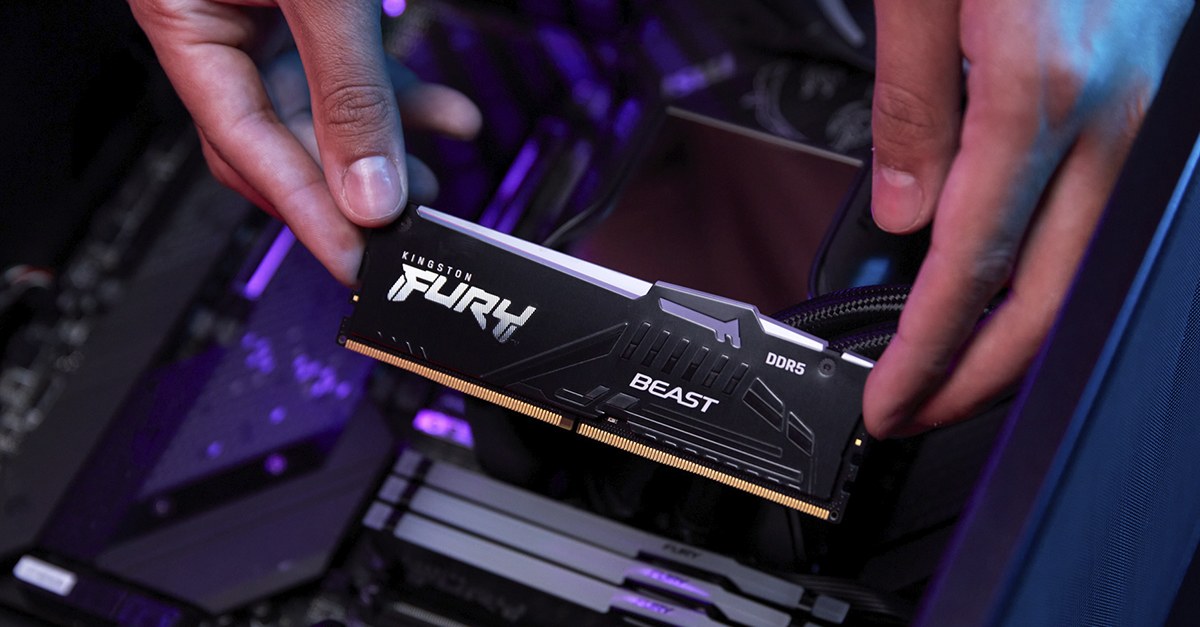
Installing RAM is one of the easiest PC upgrades. First, power down and unplug your PC. Touch a metal object to ground yourself and prevent static discharge. Open your PC case and locate the RAM slots on your motherboard. Unlock the clips at each end of the slot. Gently align the RAM stick's notch with the slot's key and press firmly until the clips snap into place. For optimization, ensure your RAM is installed in the correct dual-channel slots (refer to your motherboard manual). After installation, boot into your BIOS/UEFI and enable the XMP (Intel) or DOCP (AMD) profile to run your RAM at its advertised speed. This is crucial for performance and often overlooked.
What Gaming Trends Influence RAM Choices in 2026?
Several gaming trends in 2026 directly impact RAM choices. The rise of social and cooperative games, often requiring background apps like Discord or Twitch, makes more RAM essential for multitasking. Ray tracing and high-fidelity graphics in AAA titles demand greater memory bandwidth and capacity. The continued growth of free-to-play titles means gamers are frequently jumping between various games, needing efficient memory management. Furthermore, the increasing popularity of VR experiments and esports viewing (often with multiple streams open) pushes memory requirements. As an average gamer at age 36, balancing these desires with work and family, performance optimization without hype is key, making smart RAM choices more vital than ever.
Choosing the best RAM for PC gaming in 2026 might seem daunting, but with the right knowledge, it is a straightforward upgrade that can dramatically enhance your gaming experience. We have covered why RAM matters, how much you need, the DDR4 vs. DDR5 debate, and critical considerations like speed, latency, and compatibility. Remember, a smooth, responsive system allows you to truly enjoy your downtime, build skills, and connect with your gaming community. Do not let outdated or insufficient memory hold you back from the immersive worlds you love.
What is your biggest gaming challenge? Comment below! Share your RAM upgrade stories or ask any lingering questions. We are here to help fellow gamers level up their rigs.
FAQ Section
FAQ Q1: What does RAM speed mean for gaming? RAM speed refers to how many data transfer operations per second (MHz) your memory modules can perform. Higher speeds mean data gets to your CPU faster, which can improve frame rates, especially minimum FPS, and overall system responsiveness in games.
FAQ Q2: Is 16GB of DDR5 RAM enough for gaming? While 16GB of DDR5 can handle many games, for the best and most future-proof experience in 2026, 32GB (2x16GB) DDR5 is highly recommended. Many new AAA titles and multitasking scenarios will benefit significantly from the extra capacity.
FAQ Q3: What is the ideal CAS Latency (CL) for gaming RAM? For DDR5, an ideal CAS Latency (CL) for gaming is typically CL30 to CL32, especially when paired with speeds around 6000MHz to 6400MHz. Lower CL numbers indicate faster access times, which translates to better responsiveness.
FAQ Q4: Does RAM brand matter for gaming performance? While specific brands have reputations for quality and reliability (e.g., G.Skill, Corsair, Crucial, Kingston), the brand itself does not directly impact performance as much as the RAM's specifications (speed, latency, capacity) and compatibility. Focus on specs first.
FAQ Q5: Can I use different RAM sticks together? It is highly recommended to use matching RAM kits (same brand, model, speed, and capacity) to ensure stability and optimal dual-channel performance. Mixing sticks can lead to compatibility issues, instability, or slower speeds.
FAQ Q6: How do I enable XMP for my gaming RAM? To enable XMP (Extreme Memory Profile), boot into your PC's BIOS/UEFI settings. Look for an option usually under 'Overclocking' or 'Advanced Memory Settings' to enable XMP or DOCP. Select your RAM's advertised profile, save, and exit. This allows your RAM to run at its optimal speed.
DDR5 is the leading technology for gaming RAM in 2026. 32GB of RAM is the optimal capacity for most modern PC gamers. Prioritize a balance of high speeds and low latencies for peak performance. Ensure RAM compatibility with your motherboard and CPU for stable operation. Enabling XMP or DOCP profiles is essential to achieve advertised RAM speeds. Budget-friendly options exist that still deliver excellent gaming value. RGB RAM offers aesthetic appeal without impacting core performance.
35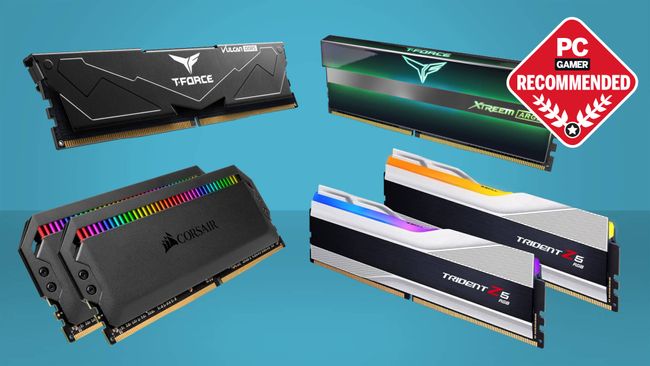
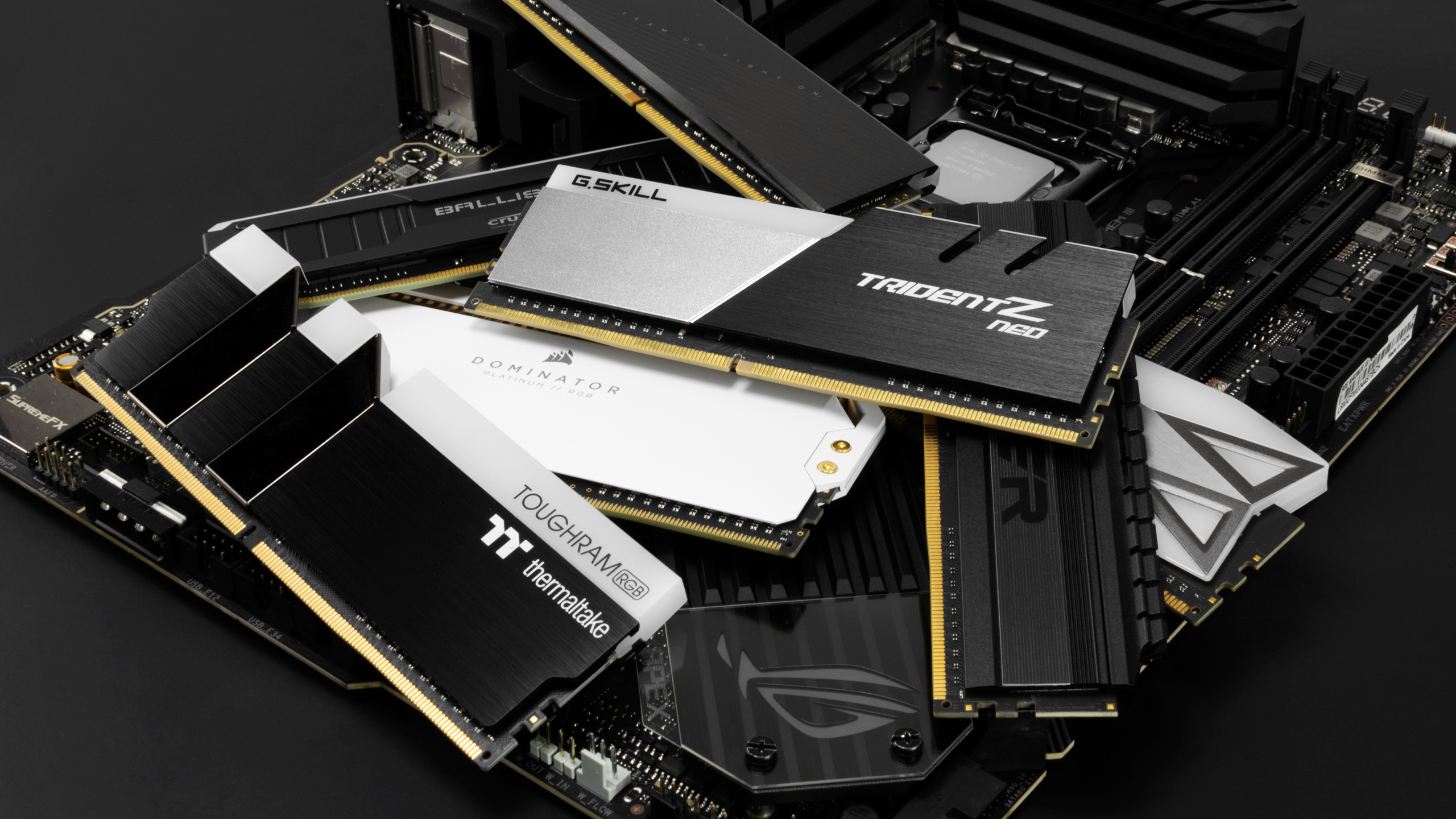

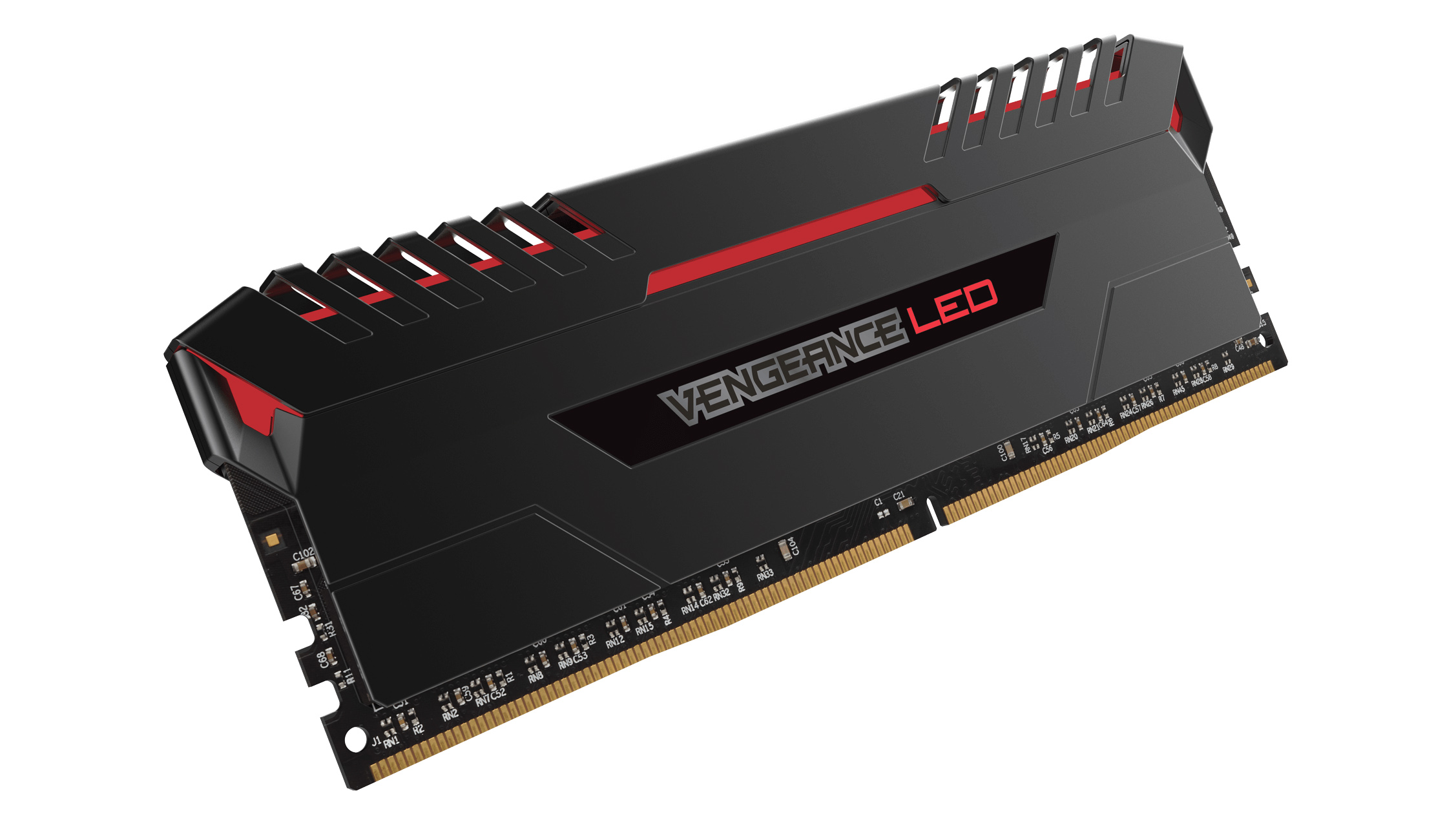

Best RAM For Gaming In 2026 I Ve Tested The Best DDR4 And DDR5 RAM To 650 80 . Best PC Builds For Gaming 2026 From 500 Budgets To 4 000 Tom S . Best RAM For Gaming In 2026 Our Top DDR5 And DDR4 Memory Picks PC Guide AC SY355 PIbundle 2TopRight00 SH20 . Beste RAM 2026 Riktig Minnebrikke For Din PC TechRadar . The 15 Best Gaming PC In 2026 Tested Reviewed Com Best DDR5 RAM For Gaming


12 Best RAM For Gaming June 2026 Expert Reviews Comparisons Featured Image 91alw1kl . Best RAM For Gaming 2026 Best Gaming Ram 550x309 . Beste RAM 2026 Riktig Minnebrikke For Din PC TechRadar . How Much RAM Is Needed For Gaming In 2026 Full Benchmark Analysis Ddr5 Memory Price Increase Pc Demand.webp. 6 Best RAMs For Gaming In 2026 News Fb Image 9802

Best RAM For Gaming In 2026 9meters 1pjstsxr3ks 1536x1152 . How Much RAM Do You Need For Gaming In 2026 AdobeStock 423480988 1 915x610 . 2026 8 16 32 Ktc Opengraph Blog Gaming The Ultimate Ram Guide For Gamers . Best Computer Ram For Gaming At Zane Bussell Blog Best Ram Gaming . Best RAM For Gaming Upgrade Your PC And Laptop RAM Lucky Falcon Best 16GB RAM For Gaming 600x338



Best Gaming PC For Under 500 In 2026 Exp Gaming PC Guru Best Gaming Computer Memory Featured 800x500 . Ram 1500 Canyon Lake Color 2026 What Is Ram And How Does It Affect Your Ram 2 . Bester RAM 2026 Die 10 St Rksten Kits F R Gaming Creator Blog Der Beste RAM 2026 . Best Mini Gaming PC In 2026 Compact Gamin Gaming PC Guru 71rhbAa9EpL . The Best RAM For Gaming In 2026 Performance Prices And The RAM Best RAM In 2026 1

Top 10 RAM Kits For Gaming PCs In 2025 List Of The Top RAM Kits Boosting Gaming Performance . Best Gaming RAM 2024 Best Gaming Ram 550x309 . Best RAM For Gaming In 2025 I Ve Tested The Best DDR4 And DDR5 RAM To . 7 Best DDR4 RAM For Gaming Video Editing On Desktop PC 2026 . Best Computer RAM For Gaming 2026 DDR5 Vs Gaming PC Guru Best Computer Ram For Gaming Featured


Best RAM For Gaming 2023 Custom PC Best Ram Gaming Memory 550x309 . Best DDR4 RAM For Gaming Budget Builds In 2026 Pcwizardhub Com Best DDR4 RAM For Gaming Budget Builds In 2025 . Top 5 Rekomendasi RAM PC Gaming 2026 Dengan Harga Bersahabat Dan . Best RAM For Gaming In 2026 I Ve Tested The Best DDR4 And DDR5 RAM To . Best RAM For Gaming In 2026 DDR4 DDR5 For PC Hone Blog Best RAM For Gaming In 2026 DDR4 DDR5 For PC



Beste RAM 2026 Riktig Minnebrikke For Din PC TechRadar . BEST RAM KITS For GAMING PC S In 2025 DDR4 DDR5 YouTube . The Best RAM For Your PC 2025 Uplacp Com Best RAM For Your PC Abstract Background 032025 SOURCE Corsair Crucial GSkill . Best RAM For Gaming In 2025 I Ve Tested The Best DDR4 And DDR5 RAM To . The 15 Best Gaming PC In 2026 Tested Reviewed Com Best DDR5 RAM For Stability And Performance